Corrective actions: nothing closes itself
How a failed check becomes a task with an owner and a date, and why a good day tomorrow does not close it.
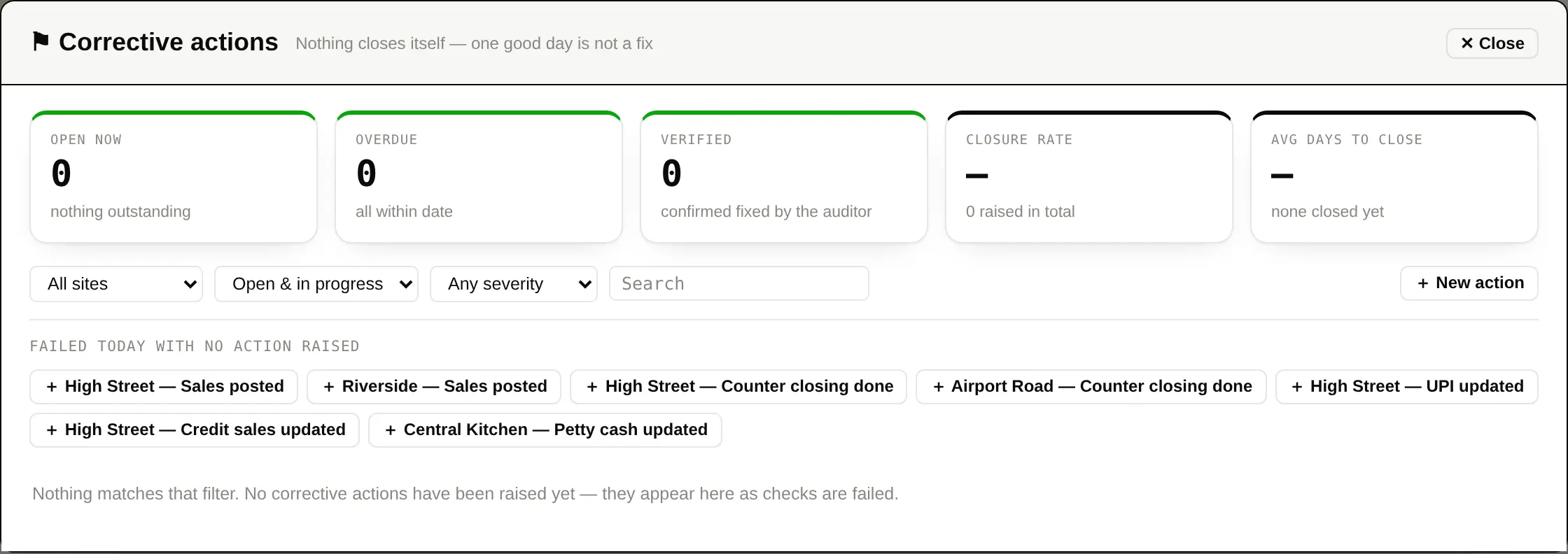
A failed check that nobody owns is a failed check that happens again. When a critical or major check fails, Daily Audit raises a corrective action: a task with somebody's name on it and a date.
The rule that matters
Nothing closes itself. The same check passing tomorrow does not close today's action — one good day is not a fix. Somebody has to say it is done, and somebody else has to confirm it.
| Open | Raised and not yet dealt with. |
|---|---|
| Done | The site says it is fixed. |
| Verified | You have confirmed it is fixed. Only verified actions are reported as closed, which is the whole point of having two states instead of one. |
| Overdue | Past its date. If escalation is switched on, a repeat offender's severity is raised rather than left to age quietly. |
Working through them
- Open Actions from the toolbar. The number beside it is how many are still open.
- Give each one an owner and a due date if it does not have them.
- As work is done, move it to Done and add a note — or a photograph — saying what was actually done.
- Review the Done ones and mark them Verified when you are satisfied.
Switching it on without forty overdue tasks
Turning corrective actions on for the first time fills in a Raise actions from date — today. Failures before that date never become tasks, so you do not start with a register full of things that were already late. A register that opens with forty overdue items teaches everybody that overdue means nothing.
